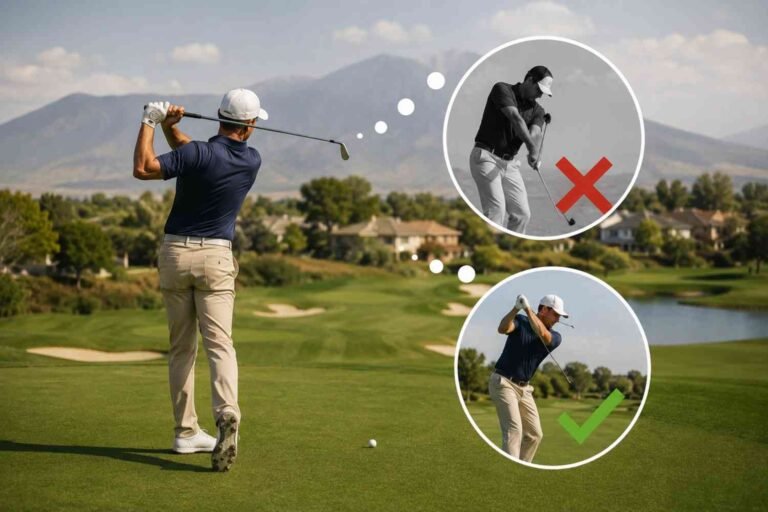
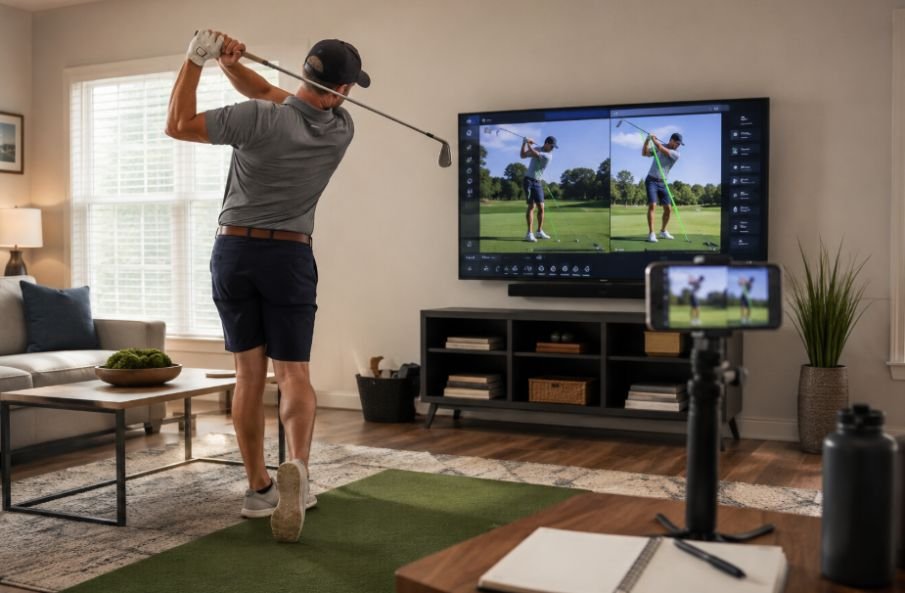
I started recording my golf swing at home after realizing that the swing I felt was not always the swing I was actually making. A few normal swings on my phone showed little things I had missed on the range, from setup changes to how my body moved through the ball. Seeing the motion on screen made practice feel less like guessing and more like figuring out a problem.
I also found that home analysis does not require a launch monitor or expensive camera. A smartphone, a steady surface, enough room to swing safely, and a repeatable setup can give you useful feedback. The trick is knowing how to record the swing and what to look for once the video is on your screen.
Start With a Simple Camera Setup
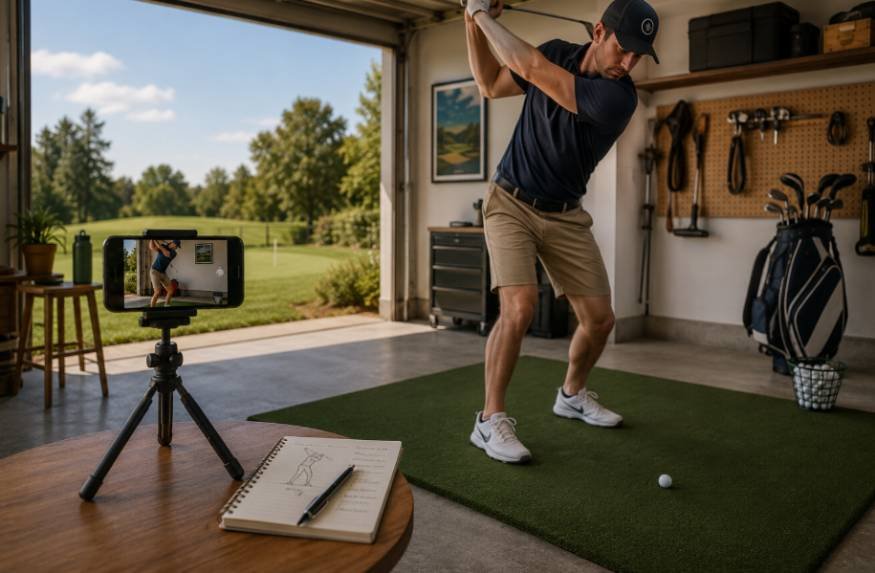
Good golf swing analysis at home starts with the camera. If the phone is too high, too low, or off the target line, it can change how your positions look.
Use two standard views: down the line and face on. For down the line, place the camera behind you along the target line and roughly level with your hands.
For face on, place it directly opposite you and square to the target line. Keep the entire club in the frame. Golf Digest and V1 Sports both stress careful positioning because poor alignment can make swing analysis misleading.
A tripod is ideal, but a secure phone holder works too. Take one slow practice swing first and check the frame.
Use the Down-the-Line View First
The down-the-line angle shows the club in relation to the target line. It can help you examine posture, takeaway, swing plane, hand path, and the downswing.
Start at address. Look at your spine angle, arm hang, knee flex, and distance from the ball. At the top, notice where the shaft points and whether you remain balanced. During the downswing, watch the club and lower body rather than every joint.
If your normal miss is a slice, you may notice a repeated outside-to-in movement. That does not automatically identify the cause, but it gives you a pattern to investigate. Pick the movement most connected to your ball flight. That keeps golf practice efficiency at the center instead of turning a short session into endless video review.
Add a Face-On View
Face-on footage shows things that are harder to see from behind. It can help you review ball position, weight movement, head motion, shoulder and hip rotation, and balance.
Watch the backswing first. Is your head moving dramatically? Are your hips sliding away from the ball? Does your upper body turn while your lower body stays stable enough to support the motion?
Do not chase a perfectly still head or copy a professional golfer’s exact positions. Golf swings vary by player, club, and shot. Look for movements that repeat and seem connected to your contact or ball flight. Face-on footage can reveal issues that simply do not stand out from behind.
Break the Swing Into Checkpoints
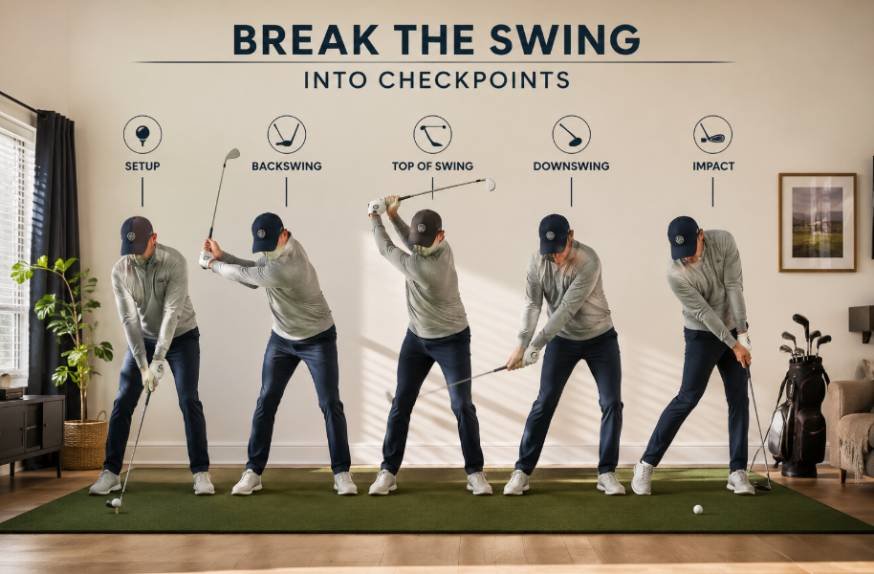
Instead of watching the whole video repeatedly, use three simple checkpoints.
Address and Takeaway
Check posture, alignment, ball position, and balance. Then watch the takeaway. Does the club move away smoothly, or do your hands immediately lift or pull it inside?
Top and Transition
Check balance, spine angle, shoulder turn, and club position. In transition, use slow motion to look for a rushed change of direction or a large move toward or away from the ball.
Impact and Finish
Connect impact with the shot you hit. A push, pull, slice, hook, or poor strike can help identify the pattern worth investigating. Then watch the finish. Repeatedly losing balance can be useful feedback.
Turn What You See Into Practice
Finding a flaw is only half the job. Suppose your video shows that you lose balance during the backswing. Instead of hitting 50 more balls while thinking about staying centered, use a slow rehearsal that exaggerates the feeling you want. Then hit a few controlled shots and record them again.
For a newer golfer, a golf practice plan for beginners can include a short video check at the beginning, one technical focus during practice, and another recording near the end. This keeps the camera from becoming a distraction and gives the session a clear purpose.
The same approach works for experienced players. Identify one pattern, choose a drill, practice it, and check whether the movement or ball flight changes. The goal is not to rebuild your swing after every recording. It is to give each practice session a clear reason.
Use Apps Without Overcomplicating Things
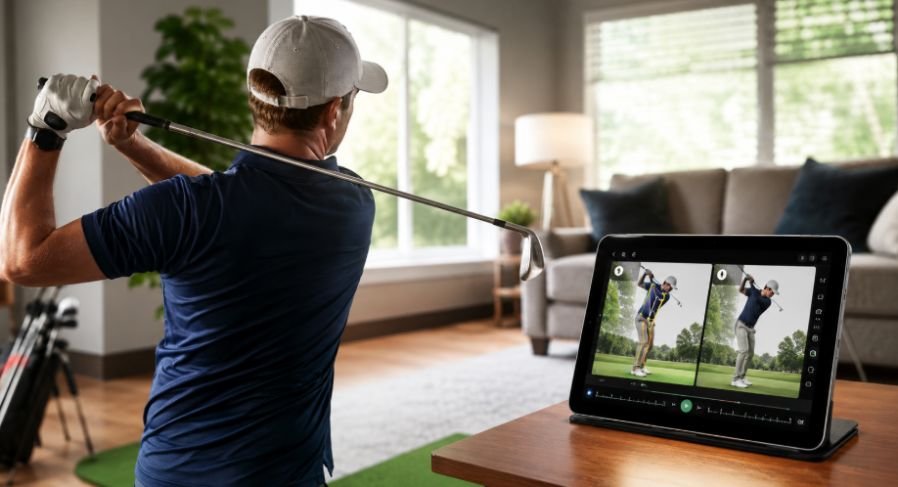
Your phone’s standard camera is enough to start, but dedicated apps can make review easier. V1 GOLF lets golfers record or import swings and use analysis tools. Onform offers slow-motion playback, comparisons, and drawing tools. GolfFix provides AI-based swing analysis with posture feedback and drill suggestions.
Before buying extra training gadgets, newer players may also want to understand golf accessories beginners do not need, since a smartphone and a simple holder are often enough to begin useful swing analysis at home.
These tools can help you slow down the motion and compare footage. They should support your judgment rather than make you chase every tiny position.
Compare Swings Over Time
One swing can be misleading. You may make an unusual move because you lost balance, rushed the transition, or simply caught the ball poorly. Three to five normal swings give you a better picture.
Save useful videos by date, club, and focus. After a few weeks, compare similar swings from similar angles. You may discover that a movement you thought was getting worse is actually becoming more consistent.
You can also combine video with simple performance notes. Track your common miss, contact quality, carry distance when available, or how often a certain shot shape appears. That creates a more data-driven golf practice routine because you are connecting what the swing looks like with what the ball actually does.
You do not need a spreadsheet for every session. A few notes in your phone are enough to spot useful trends.
Know When to Stop Analyzing
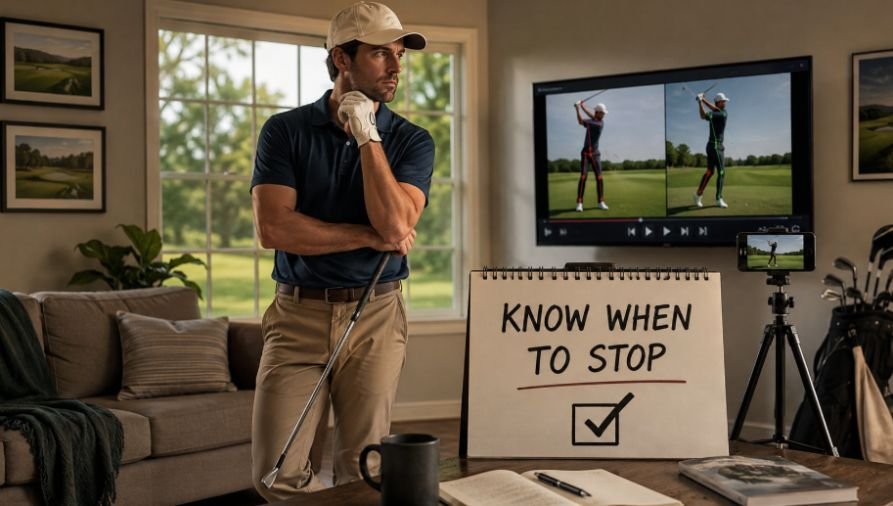
Home video has limits. A camera shows what happened, but it does not always explain why it happened. A golfer can also become so focused on positions that the swing starts feeling mechanical.
If the same fault keeps appearing and you cannot connect it to a practical correction, show the footage to a qualified golf instructor. A coach can consider your movement alongside ball flight and playing goals, helping prevent you from practicing the wrong solution.
There is also no need to film every shot. Use video when you have a question worth answering.
Make Video Part of Your Normal Practice
Golf swing analysis at home works best as a small part of practice. Record from consistent angles, review a few swings, identify one pattern, and use that observation to choose your next drill. Over time, those short feedback loops can make practice more purposeful without making golf feel like a technical exercise.
When I take that practice mindset onto the course, I also try to keep technology from becoming a distraction. Even something like choosing the best small speaker for golf cart should come down to convenience, compact size, and keeping the volume appropriate around other golfers.
The real value of a phone camera is simple: it gives you a second look. Use that second look to understand your swing, not chase perfection. Better awareness can lead to better practice, and better practice is what eventually shows up on the course.
Frequently Asked Questions
1. Can I analyze my golf swing with just a phone?
Yes. A smartphone can capture useful face-on and down-the-line footage. A stable camera position and clear view of the full swing matter more than expensive equipment.
2. Which angle should I use?
Use both when possible. Down-the-line footage helps you examine swing plane and posture. Face-on footage helps with ball position, body rotation, weight movement, and balance.
3. How many swings should I record?
Three to five normal swings are a good starting point. Look for repeated patterns rather than judging one unusual swing.
4. Should I use a swing analysis app?
You can. V1 GOLF, Onform, and GolfFix offer useful video tools. An app should support your practice decisions, not make you chase every tiny position.
Why Better Feedback Makes Practice More Useful
The best part of golf swing analysis at home is not the technology. It is the feedback loop. You record a swing, notice something repeatable, practice with a clear purpose, and record again. That simple process can turn a vague feeling into something you can actually observe and work on.
You do not need to become your own golf coach. You just need to become better at noticing what your swing is doing.