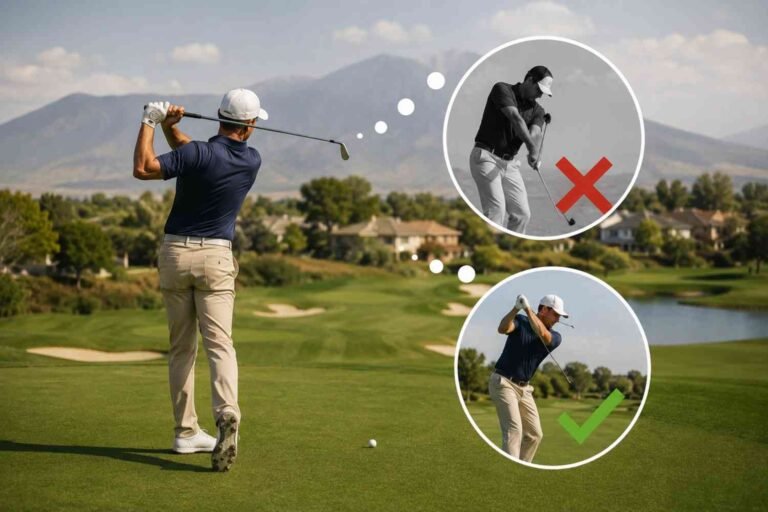
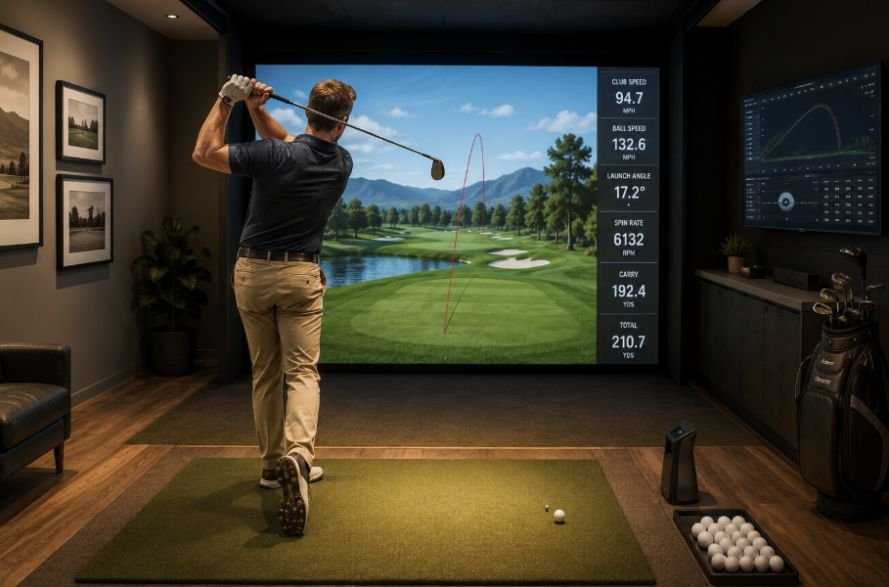
I’ve found that golf simulator practice becomes much more effective once I stop treating it like an endless bucket of range balls. Hitting 50 shots feels productive, but it does not necessarily tell me what I can repeat on the course. The useful sessions are the ones where I have a target, track my average results, and leave knowing what needs work.
I also noticed that my best simulator sessions were rarely the ones with my longest drive or lowest virtual score. They were the sessions where I learned my real carry numbers, tightened a wedge distance, or made my normal miss more predictable. Lower scores usually come from reliable shots, not occasional perfect ones.
Start With a Clear Goal
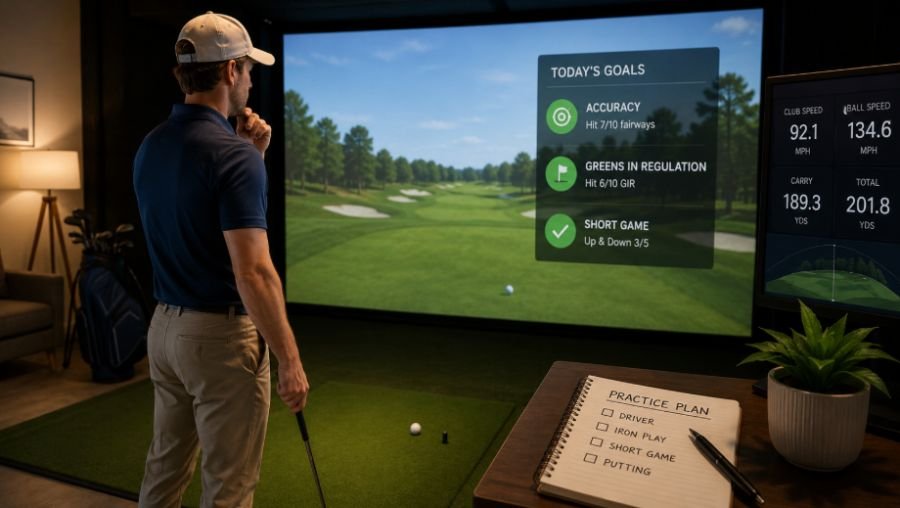
Before the first ball, choose one main objective. Spend the session on wedge control, iron dispersion, driver accuracy, contact, or a specific swing change. Trying to fix everything at once creates too much information and not enough useful practice.
Start with a few relaxed wedges, move into mid-irons, and finish with controlled driver swings. Use the warm-up to establish a baseline rather than chasing your best shot.
If you are working on a technical change, hit several shots with the same club and target. Once the movement feels familiar, switch to changing targets and clubs. That helps transfer the skill into more realistic golf.
Build Your Game Around Average Carry
One of the most useful golf simulator practice techniques is creating a realistic distance chart. Your longest 7-iron of the week is not necessarily your on-course 7-iron.
Hit a small group with each club and record average carry. Look at the spread too. If your 7-iron carries between 145 and 165 yards, writing down 165 does not help much with club selection.
These numbers can also show whether your current equipment is performing consistently before you spend money, which is useful when comparing used golf clubs vs new golf clubs and deciding whether an upgrade is actually necessary.
Wedges are especially useful here. Find dependable partial-swing carries at 40, 60, 80, and 100 yards. Those numbers give you more options when you face an awkward approach.
Use a Wedge Ladder
Start at 40 yards, then move to 60, 80, and 100. Hit several shots at each target and record the actual carry. Look for the distance where your results become inconsistent.
Then reverse the order or choose targets randomly. That stops you from simply repeating the same swing and makes you react to each yardage.
For golfers still building a routine, a structured golf practice plan for beginners can make sessions easier to organize without turning every practice day into the same workout.
Practice Low Point Control
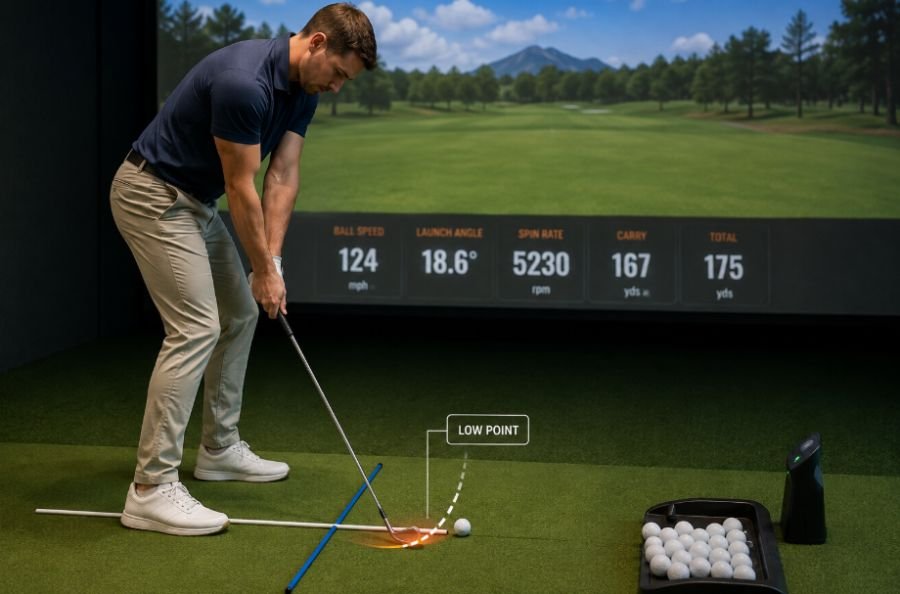
Clean iron contact depends heavily on controlling where the club reaches its lowest point. Simulator mats can make fat shots feel less severe than they do on grass, so use an external reference.
Place an alignment stick or towel slightly behind the ball and swing without striking it. A divot board can provide similar feedback. The goal is simple: contact the ball first and keep the low point forward.
Use carry distance and ball speed across a group of shots to support what you feel. Stable numbers tell you more than one unusually good strike.
Video can add another layer of feedback. A simple golf swing analysis at home can help you compare what the swing feels like with what your body and club are actually doing.
Stop Hitting the Same Shot
Repetition has a place in practice, but 20 straight 7-irons toward one target can create a rhythm that disappears on the course.
Instead, change the club and target after every shot. Hit a 9-iron to one target, a hybrid to another, then a wedge to a shorter target. Go through your normal pre-shot routine before each swing.
You can also score the exercise. Give yourself one point for finishing inside a chosen target window. The goal is to make every shot require a fresh decision.
Test Your Driver for Accuracy
Driver practice should not become a contest for your biggest ball speed. Hit a group of controlled drives and look at average carry, start direction, and dispersion.
If one shot flies much farther but sits outside your normal pattern, it may not be the swing you want on the course. Once you know your stock pattern, test one change at a time, such as tee height or setup.
A useful driver is one you can trust when the fairway gets narrow, not one that produces a single impressive number.
Make Simulator Practice Feel Like Golf

Virtual rounds work best when you treat every shot as real. Do not use mulligans or automatic re-hits. Choose the club you would actually play and commit to the shot.
You can also create a random sequence without playing a full round. Change the target, club, and distance every shot. This exposes weaknesses that blocked practice can hide.
Maybe your full swing is solid, but your approach distances are inconsistent. Maybe your driver is reliable until you face a forced carry. Those discoveries can shape your next session better than a final simulator score.
Use Data Without Getting Lost
Launch monitors can produce a wall of numbers, but you do not need to study every metric after every swing.
Start with carry distance, dispersion, ball speed, launch, and spin. Carry helps with club selection, dispersion shows how predictable your misses are, and ball speed can reveal inconsistent contact. Launch and spin help explain trajectory.
Club path and face data can help with a specific swing issue. Just avoid changing your swing because one number looks strange on one shot. Look for patterns across several swings.
That is where data-driven golf practice becomes useful. The numbers should help you decide what to practice, not become the practice itself.
Know What the Simulator Cannot Recreate
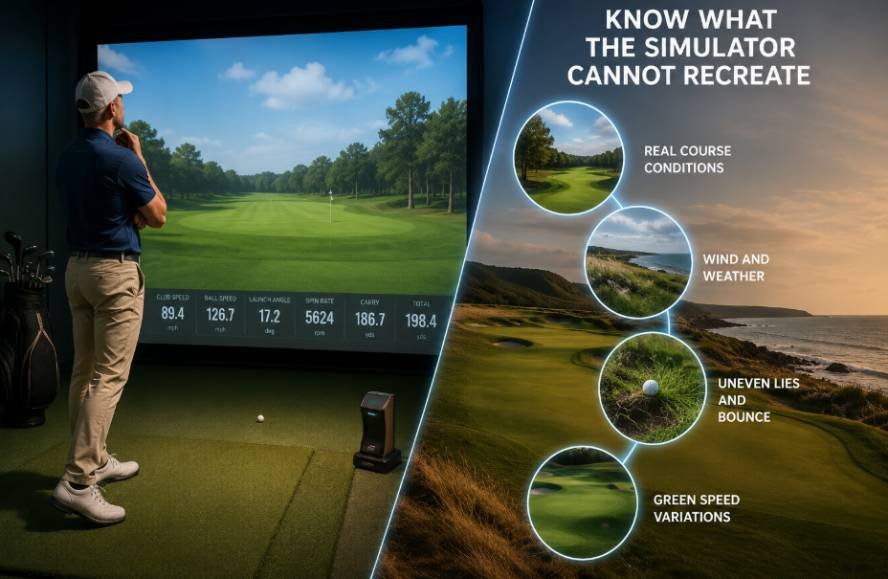
A simulator gives you controlled conditions and immediate feedback, but outdoor golf adds uneven lies, wind, turf differences, visual distractions, and changing greens.
Transferring simulator practice to the course also requires a good pre-round routine. Knowing how early to arrive for a tee time without rush gives you enough time to check in, warm up, and settle into the round instead of taking your indoor practice habits straight to the first tee under pressure.
Short-game touch and putting also depend on factors a screen and mat cannot fully reproduce. Use the simulator for the skills it measures well, then take those skills outdoors.
The goal is not to become better at simulator golf. It is to make your real game more predictable.
Frequently Asked Questions
1. What is the best way to practice with a golf simulator?
Start with one clear goal. Use focused drills first, then finish with random targets or simulated holes to test the skill.
2. How often should I track launch monitor data?
Track useful metrics during regular sessions, but compare averages across multiple sessions rather than judging one practice day.
3. Can a simulator improve my golf swing?
Yes. It can provide useful feedback on ball flight, carry, dispersion, and club data. For major swing changes, professional instruction can help interpret the numbers.
4. Should I play virtual rounds or practice drills?
Use both. Drills develop specific skills, while virtual rounds test decision-making and consistency.
Make Every Indoor Session Count
A simulator becomes far more useful when every shot has a reason behind it. Build reliable carry numbers, tighten your wedge distances, improve contact, and introduce enough randomness that you have to reset before each swing. That combination makes practice more focused without making it boring.
The payoff comes when those habits move outdoors. Better indoor practice should leave you with clearer club choices, a more predictable ball flight, and greater confidence when the next shot counts.