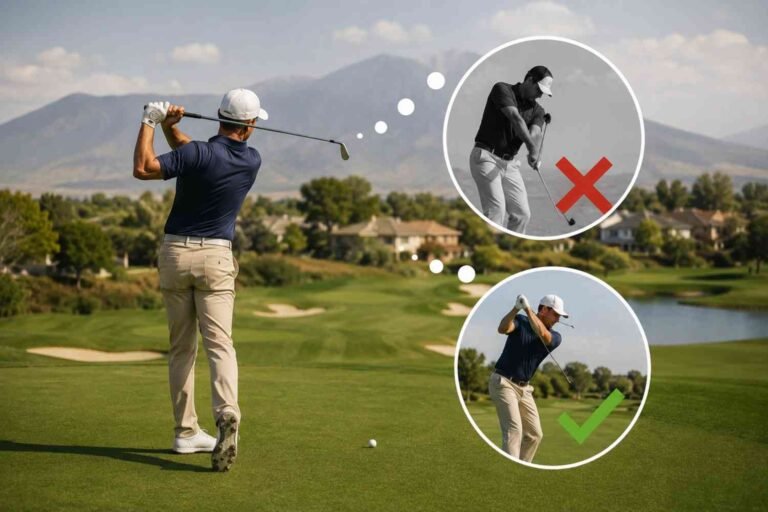
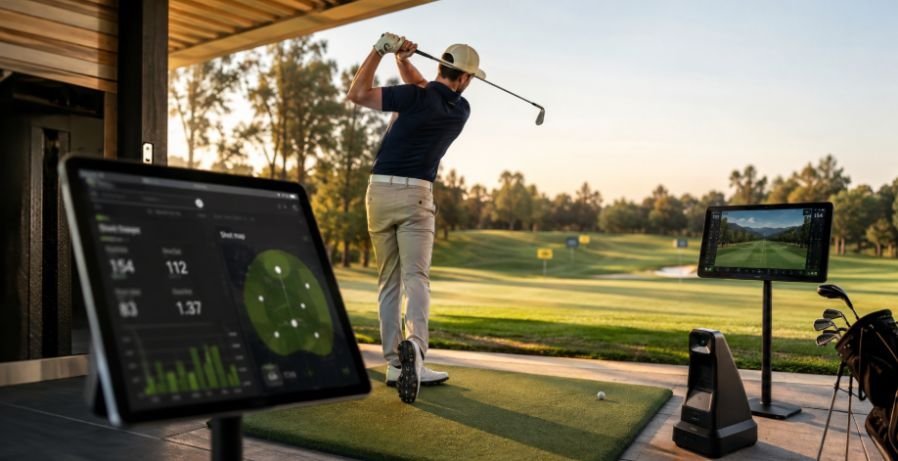
I used to think productive golf practice meant hitting more balls and spending more time at the range. The problem was that I could finish a session feeling tired without really knowing what had improved. Once I started paying closer attention to launch data and swing video, I noticed something different. A shot that felt great could have poor contact, an unexpected launch, or a completely different club path than I imagined.
I also found that technology became much more useful when I stopped treating every number as something I needed to fix. The real benefit came from using a few measurements to answer specific questions about my game. That made practice feel less like guessing and more like testing an idea, while still leaving room for feel, rhythm, and the natural unpredictability that makes golf different from hitting balls in a controlled environment.
Start With Feedback That Actually Helps
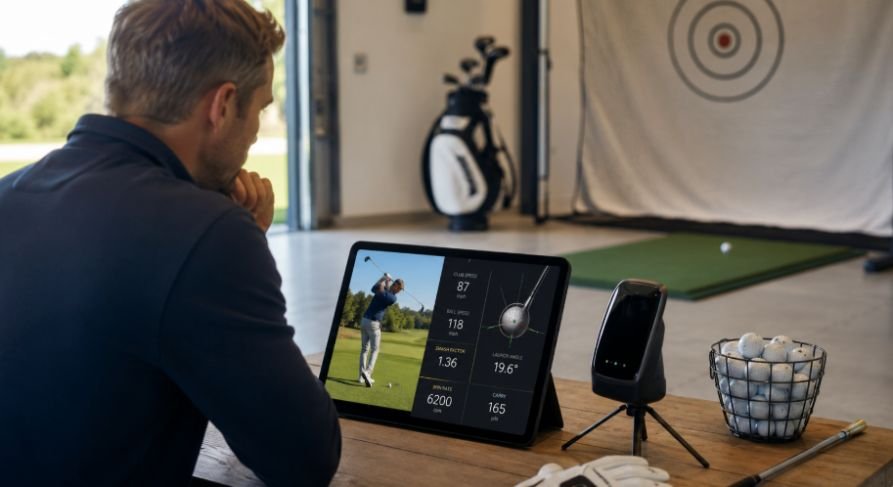
Modern golf technology can give players information that is difficult to see with the naked eye. Launch monitors, swing cameras, and club sensors can measure or record parts of the swing and ball flight that would otherwise be left to guesswork.
A launch monitor may show clubhead speed, ball speed, carry distance, launch angle, spin, and other measurements. Swing cameras add another layer by showing what the body and club are doing during the motion. Smart sensors can provide additional information about tempo or swing characteristics.
The important part is not collecting the largest amount of data. It is knowing what the data can tell you.
Research on launch-monitor reliability has found that some measurements, including clubhead speed, ball speed, carry distance, and total distance, can be quite reliable across sessions. Other measurements can vary more depending on the device and setup. That is a good reason to avoid treating every number on a screen as absolute truth.
Use Launch Monitor Data to Find Your Real Patterns
One of the biggest advantages of a launch monitor is that it can challenge what you think is happening.
A golfer may believe a driver is carrying 240 yards because one shot reached that distance. After tracking 20 shots, the average might tell a different story. The same thing can happen with irons. A seven-iron that occasionally flies 165 yards may have a much more realistic playing distance around 150 to 155 yards.
That difference matters when choosing clubs on the course.
Instead of chasing your longest shot, look at the pattern. Pay attention to average carry, dispersion, ball speed, and consistency. These numbers can help establish realistic club gapping and make practice more purposeful. Golf Digest also points to launch monitors as useful teaching tools because they give golfers specific performance information rather than relying entirely on visual judgment.
The same approach works when diagnosing a miss. If five shots start in roughly the same direction, the pattern tells you more than the single ball that happened to finish closest to the target.
Combine Numbers With Swing Video
Numbers tell you what happened to the shot. Video can help you understand what happened during the swing.
That combination is powerful because golfers often have a different perception of their motion than what actually occurs. You might feel as though you are keeping your head perfectly still, for example, only to discover on video that your body movement is different from what you imagined.
This is where golf swing analysis at home can become useful. A smartphone, tripod, and enough space to swing safely can give you a simple way to record face-on and down-the-line views. You do not need a complicated studio to start comparing swings.
The goal should not be to analyze every frame. Pick one question before recording. Are you checking your takeaway? Looking at transition? Trying to understand contact? Once you have an answer, compare the video with your ball-flight results.
That creates a better feedback loop. The camera shows the movement, while the launch monitor shows how that movement affected the shot.
Research into motor learning also supports the broader value of augmented feedback, although the evidence does not suggest that one type of feedback works best for every golfer or situation.
Make Simulator Practice More Like Playing Golf
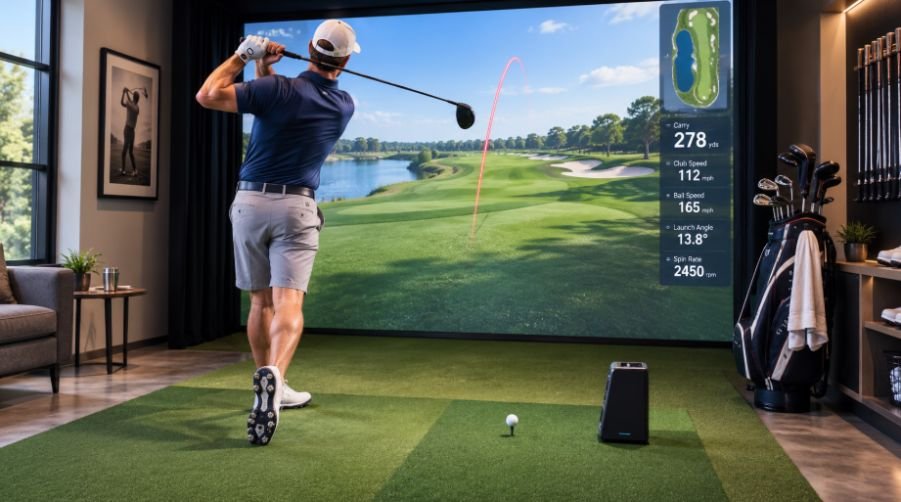
A simulator can be an excellent practice environment, but only if you use it for more than hitting the same perfect shot over and over.
Modern simulators can provide detailed ball-flight information while allowing golfers to practice different distances, targets, courses, and situations. The PGA of America Coaching Center, for example, combines simulator and launch-monitor technology with video and other performance-analysis tools.
The better approach is to introduce variety.
Instead of hitting 20 seven-irons at the same target, start changing the situation. Hit an approach from 145 yards, then switch to a 175-yard shot. Follow that with a shorter wedge. Change targets and clubs. Practice a specific shot shape. Play a few holes where every shot requires a new decision.
That is where golf simulator practice techniques become more valuable. The simulator should force you to reset your target and make a new decision rather than simply reward repetitive ball striking.
Research on golf motor learning has also found support for varying practice and greater contextual interference, although the researchers caution that much of the available research involves simpler tasks and novice golfers.
In other words, variety can be useful, but it should still match your skill level and practice goal.
Track Progress Across Sessions
One practice session can be misleading.
You may hit the ball exceptionally well one afternoon because your timing is good, your body feels fresh, or the conditions happen to suit your swing. That does not necessarily mean the change will hold up next week.
Keeping basic records gives you a longer view.
Write down your average carry, typical miss, dispersion, or another measurement connected to your goal. Then compare those numbers after several sessions instead of judging yourself by one range visit.
That is the real value behind data-driven golf practice. It is not about turning golf into a spreadsheet. It is about using repeated observations to make better decisions.
For example, if your average driver carry stays similar but your dispersion becomes noticeably tighter over four sessions, that is meaningful progress even if you never hit your longest drive. If your seven-iron distance increases but your front-to-back consistency gets worse, the extra distance may not actually improve your scoring.
Technology gives you the ability to see those tradeoffs.
Remember What Technology Cannot Recreate
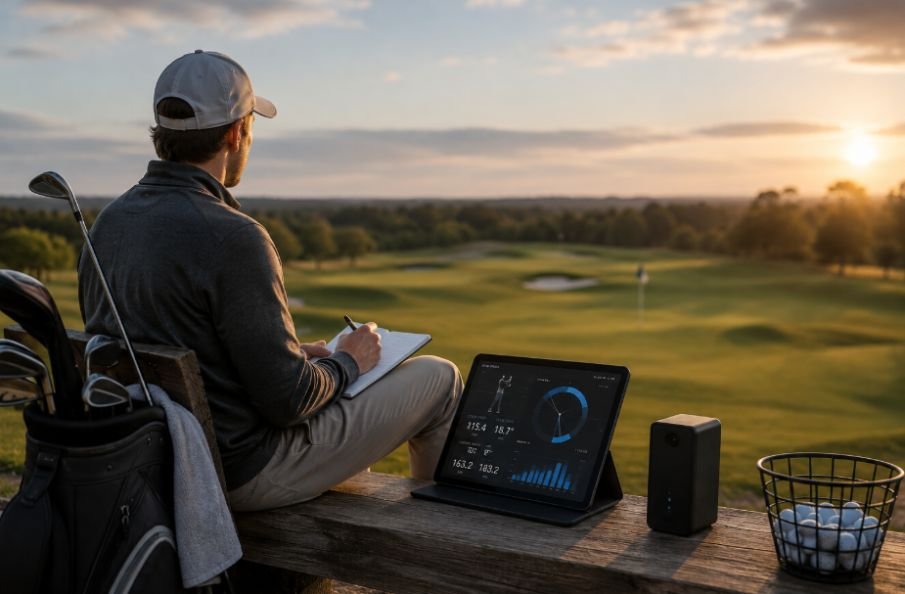
A launch monitor can measure a shot. A simulator can reproduce a virtual course. A camera can show your swing. None of them can completely reproduce standing over a ball with an uneven lie, changing wind, pressure, and a real target in front of you.
That matters because good golf is more than swing mechanics.
You still need to learn how the ball reacts from different lies, how wind changes your club selection, how to manage misses, and how to commit to a shot when the outcome is uncertain. Indoor technology can make practice more efficient, but outdoor practice and actual rounds remain important parts of the learning process.
The best sessions usually combine both sides. Use technology to identify a pattern, work on it in a controlled setting, and then take that skill onto the course to see whether it survives outside the practice environment.
Make the Technology Work for Your Practice Plan
The best golf technology is not necessarily the device with the most features. It is the one that gives you useful information at the moment you need it.
A phone camera may be enough to expose a movement pattern. A portable launch monitor can help establish realistic carry numbers, while the best golf GPS watch for beginners can bring practical distance information onto the course when you are ready to apply those practice insights during an actual round.
A simulator can add variety to indoor practice. A simple notebook can turn weeks of measurements into a useful record of progress.
The common thread is intentional use.
Start with a question, collect enough information to answer it, make a small adjustment, and test that adjustment again. That approach keeps technology from becoming an expensive distraction and turns it into a practical part of your practice routine.
Why Better Information Can Lead to Better Practice
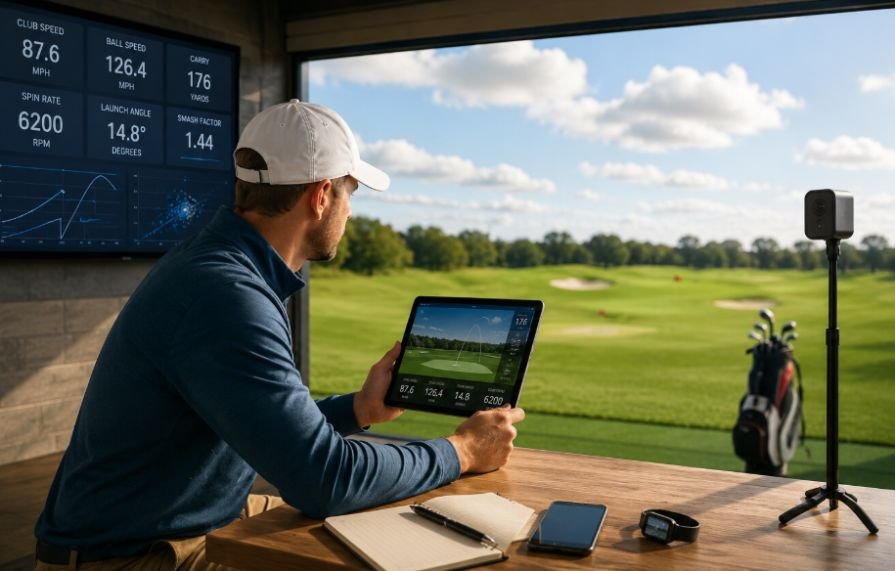
Technology cannot build a reliable golf swing on its own. It can, however, make the feedback between a swing and its result much clearer. When used thoughtfully, it helps golfers replace assumptions with patterns, vague goals with measurable targets, and random practice with a clearer purpose.
The biggest improvement may not appear as a dramatic number on a screen. It may show up when you stand over a 150-yard approach and know your club, your expected carry, your common miss, and the shot you actually want to hit.
Frequently Asked Questions
1. Is a launch monitor worth using for casual golfers?
Yes. It can help casual golfers understand realistic carry distances, ball speed, dispersion, and consistency. You do not need to use every available metric to benefit from the technology.
2. Can a phone camera really help improve a golf swing?
Yes. Recording from face-on and down-the-line angles can reveal positions and movements that are difficult to feel. Comparing video over time can also show whether a swing change is becoming consistent.
3. Should I track every launch-monitor number?
No. Start with a few measurements related to your current practice goal. Tracking too many numbers can create confusion and encourage golfers to chase changes that do not matter to their actual game.
4. Can a simulator replace outdoor golf practice?
Not completely. Simulators are excellent for controlled practice, feedback, and shot variety, but they cannot fully reproduce wind, uneven lies, course conditions, and the pressure of an actual round.